Do Fancy Transitions Still Help a TikTok, or Just Slow It Down?
Do transitions matter on TikTok? Only when the transition is the payoff. When a hard cut beats an effect, and when the transition video is its own format.

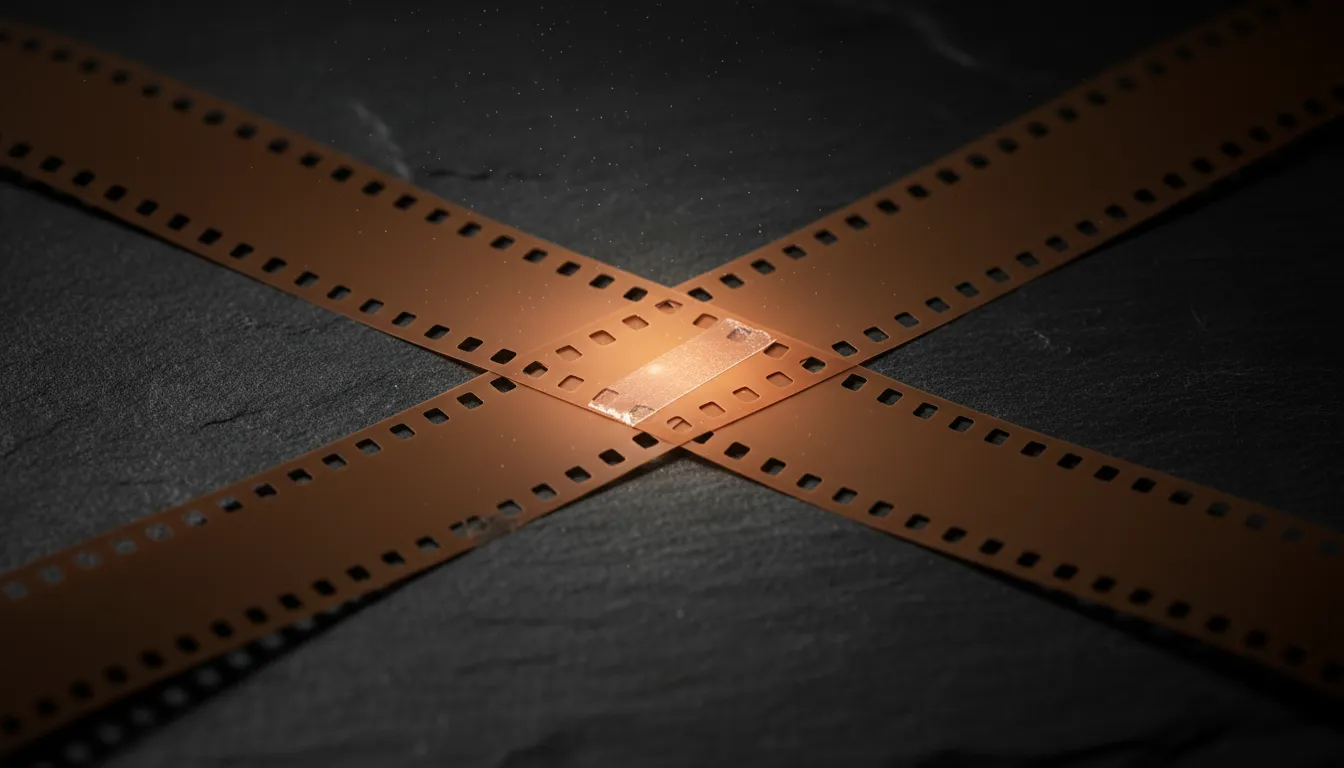
The most expensive half second in most short videos is the one spent on a spin, a zoom blur, or a glitch wipe between two clips that would have worked fine with a plain cut. Nobody has ever stayed for the swipe. They stay for what is on the other side of it, and every frame of effect is a frame of waiting.
So here is the direct answer. Do transitions matter on TikTok? Only when the transition itself is the payoff. When the change between two shots is the thing the viewer came to see (an outfit snap, a room reveal, a hand covering the lens and pulling away on a finished result), the transition is the content and it deserves the craft. Everywhere else, a hard cut on the end of a thought beats any effect, because the effect adds time and adds nothing.
The rest of this post covers how to tell the two cases apart, the specific places an effect costs you viewers, and how to build the transition video as a format in its own right.
What a transition actually asks of the viewer
A plain cut is close to free. The frame changes, the viewer’s eye finds the new subject, and the story keeps moving. We covered the economics of that in How Fast Should You Cut?: a cut placed at the end of a thought reads like turning a page.
A designed transition is different. It inserts a short stretch where neither shot is fully readable. The old image is warping or sliding out, the new one is not settled yet, and the viewer’s job for those frames is to wait. That is fine if the wait builds toward something. It is a tax if it does not.
Three things happen during a decorative transition:
- The information rate drops to zero. No new words, no new object, no new step. Just motion.
- The viewer’s attention gets pulled to the edit. A flashy wipe makes the viewer notice the editing, which is the opposite of what an edit is for in an explainer or a story.
- The rhythm gets louder than the message. Stack five identical effects and the video starts to feel like a template, and templates are what thumbs are trained to skip.
None of this means effects are bad. It means an effect is a promise. If the frame after the effect does not cash that promise, the viewer learns to stop trusting the next one.
When the transition is the payoff
There is a whole category of video where the cut between two states is the reason anyone watches. In those videos the transition is not decoration. It is the reveal, and a weak one sinks the post.
- Outfit and look changes. The snap, the jump, the hand over the lens. The viewer is waiting for the moment the old look becomes the new one, and the cleaner that moment, the more it gets rewatched.
- Room, space, and object reveals. A wipe that drags the “after” across the “before” can show the size of the change in one gesture. This is the same logic as the before and after video, compressed into a single move.
- Location and travel jumps. Same pose, same framing, new city. The match is the joke and the transition is where it lands.
- Product appearances. A product sliding into the exact spot an empty hand was holding a moment ago turns an object shot into a small trick.
What these share: the shot before and the shot after are deliberately matched (same framing, same motion, same position), and the transition is the hinge between them. The effect is not hiding a cut. It is showing off the contrast.
The test that separates the two
Ask one question of every transition in your timeline: if I replaced this with a hard cut, would the viewer lose something they came for?
If the answer is yes (the reveal goes flat, the match stops being satisfying, the joke disappears), keep it and polish it. If the answer is no, the effect is filler. Cut it, and give the half second back to the content.
Most creators who run this test on an old video find one or two transitions that earn their place and four or five that only exist because the app made them easy to add. As we argued in Why the Editing App Matters Less, the tool decides how fast you can make an effect, not whether you should.
Where an effect costs you viewers
Some placements are worse than others. These are the spots where a decorative transition most often lines up with people leaving.
In the first two seconds
The opening is where the viewer decides whether to stay, and every frame there should be making a promise. A transition in the hook spends that window on motion instead of meaning. If your video opens on a spin into the first shot, the viewer’s first impression is an effect, not a reason to watch. Open on the clearest frame you have, then move. We go deeper on what the first frame has to carry in Visual vs Verbal Hooks.
Between steps that need to be understood
In tutorials, recipes, and explainers, the viewer is following a sequence. A slide or zoom between step three and step four interrupts comprehension at the exact moment the viewer is trying to hold step three in their head. A hard cut on the completed step reads cleaner and faster.
Right before the payoff
This one is counterintuitive. Creators often put their fanciest effect immediately before the result, to build anticipation. But anticipation is built by what the viewer has already seen, not by a delay. A long effect right before the reveal adds waiting at the point where patience is thinnest. A quick, clean hinge into the result usually lands harder.
Everywhere, at the same rhythm
Uniform effects become wallpaper. If every clip enters with the same zoom, the zoom stops registering at all, and you have paid the time cost without even getting the attention bump. One deliberate move in a sequence of hard cuts stands out. Six identical ones disappear.
When a hard cut beats an effect
Default to the cut. It is the right call in most of these situations:
- Talking to camera. A jump cut that removes a breath keeps a talking-head video moving. An effect between two sentences makes the speaker feel produced and distant.
- Story and confession videos. Effects pull the viewer out of the story to look at the editing. The story is the content; let it run.
- Any shot that carries a number, a name, or an instruction. Let it sit clean. The viewer needs that frame readable from its first frame.
- Fast montages. A montage gets its energy from the speed of plain cuts on the beat. Adding effects between every shot slows the very thing that makes it work. If you are syncing to audio, editing to the beat does more than any wipe.
A useful default for most creators: hard cuts everywhere, plus at most one transition per video, placed where the change itself is worth watching.
The transition video as its own format
Some videos are nothing but transitions, and they work. The difference is that every transition is a payoff and the whole video is built around them. Treat it as a format with its own rules, not as a regular video with extra effects.
Plan the matches, not the effects
A transition video is shot backwards from the hinge. Decide the end position of shot A and the start position of shot B before you film either one. Same framing, same hand position, same direction of motion. The effect only has to blend a match that is already there. If the match is weak, no effect will save it.
Escalate
Put the strongest transition last, or second to last. Viewers who stay through the first two are betting the next one will be better, and the video should reward that bet. If your best reveal is first, the rest of the video is a decline and the viewer can feel it.
Keep the gaps tight
Between transitions, give the viewer just enough of each state to register it. In a look-change video that might be a single beat on the new outfit. Longer holds only belong on the final reveal.
End where it can loop
A transition video that ends on a shot matching its first frame can play straight back into itself. That is the same principle behind seamless loop endings, and the transition format is one of the few where a loop feels natural rather than like a trick.
Know when the format is the wrong fit
If the value of your video is information (how to do something, why something happens, which product to buy), a transition format will usually trade comprehension for spectacle. Use it when the change itself is the content. Use a plain structure when the knowledge is.
How to check your own transitions
You do not need new software to audit this. You need one honest pass.
- Mark every transition in the timeline. Count them. Most videos have more than the creator thinks.
- Run the hard cut test on each one. Would the viewer lose something they came for? Keep the yes answers. Cut the rest.
- Check the first two seconds. If there is an effect before your first clear frame, remove it.
- Watch where people leave. If you have a retention graph, look for drops that line up with an effect. We explain how to read those curves in How to Read Your Retention Graph.
That last step is where an outside read helps most. When you run a video through Blossom, the analysis maps where attention drops with timestamps and points at what is on screen at that moment, so a decorative transition that sits right on a drop shows up next to the fix, before you post the next one built the same way. It will not tell you that effects are good or bad in general. It tells you whether this one, in this video, is costing you.
The short version
- A transition is worth its frames only when the change it shows is the thing viewers came for.
- Hard cuts on the end of a thought are the default for talking-head, story, tutorial, and montage videos.
- Never spend the first two seconds on an effect.
- Uniform effects disappear; one deliberate one stands out.
- The transition video is a real format, built on planned matches and escalating reveals, not on a stack of presets.
Fancy transitions did not stop working. They just stopped working as decoration. Use them where the swipe is the story, and let a clean cut carry everything else.
Read next

Best viral.app Alternatives in 2026 (Free & Paid)
Five real viral.app alternatives, free and paid, compared on one question: does the tool score your hook and tell you why it works? Checked 26 Oct 2026.

Why Specific Hooks Beat Vague Ones (and How to Sharpen Yours)
Specific hook examples for TikTok: why a number, place or stake in the first line holds viewers a vague promise loses, and how to rewrite a soft hook three ways.

Blossom vs Iconosquare: Post Types vs a Name for the Video's Shape
Iconosquare vs Blossom: Iconosquare compares Reels, carousels and posts. Blossom names the structure inside each video, so a winning shape becomes repeatable.