How to Read Your Retention Graph: Where Viewers Leave and Why
How to read a TikTok retention graph: what the early cliff, a slow slope, a mid-video dip and an end bump each mean, and the one fix each shape is asking for.

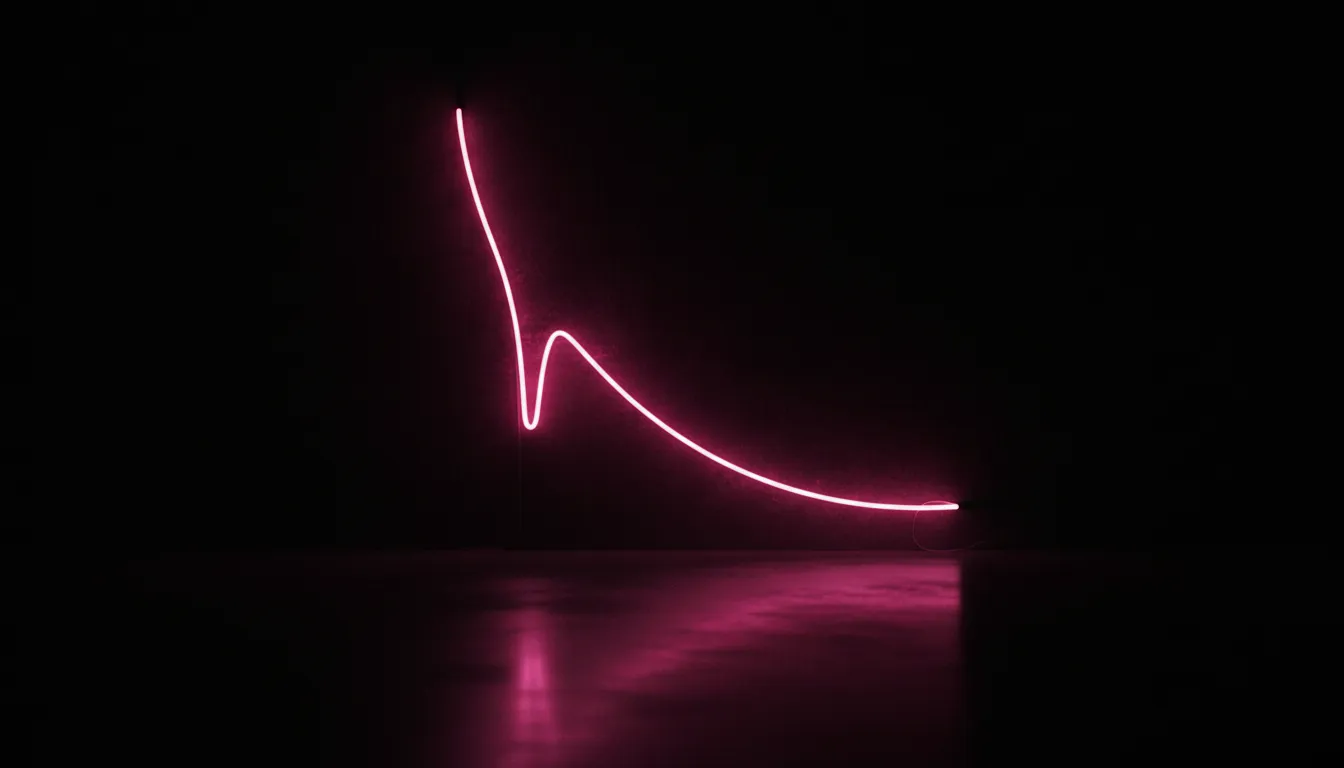
Your retention graph is the only honest review your video will ever get. Comments are written by the few people who stayed, and the view count is mostly a story about distribution. The curve is the one place where every viewer votes, second by second, with their thumb.
Most creators glance at the average percentage and close the tab. That throws away the useful part. How to read a TikTok retention graph comes down to one habit: stop looking at the number and start looking at the shape. A curve has four common shapes, each one points at a specific moment in your edit, and each one asks for a different fix. Here is how to tell them apart.
What the graph is actually plotting
The horizontal axis is the timeline of your video. The vertical axis is the share of viewers who were still watching at that second. Every curve starts at 100% and can only go down, except in one special case we cover below.
Two things make the graph easier to read:
- The steepness matters more than the height. A line that falls 20 points in one second is a scene problem. A line that falls 20 points across 30 seconds is a pacing problem. Same loss, different cause.
- The first quarter carries most of the weight. Published research on short-form viewing keeps landing in the same place: exits are heavily front-loaded. A large TikTok data-donation study presented at CHI 2024 found roughly a quarter of views were skipped before reaching 20% of the video. The opening is where most of your audience decides.
Before you diagnose anything, also check the length. A 55% average means something very different at 12 seconds than at 50 seconds. If you need the yardstick, our retention benchmarks by video length give you the band to compare against.
Shape 1: The cliff in the first one to two seconds
The line drops hard almost immediately, then flattens out. Something like 100% to 55% by second two, then a gentle slope for the rest of the video.
What it means: the video lost people before it said anything. The viewer saw the first frame, or heard the first half-second of audio, and decided this was not for them. Whatever happens after the cliff is often fine. The flat section proves the people who stayed were interested.
What causes it:
- A dead opening frame: a logo, a black screen, you reaching for the record button, a slow walk into frame
- A first line that warms up instead of promising something (“Hey guys, so today…”)
- A mismatch between the cover or caption and what the first second actually shows
- Audio that starts quiet or mid-breath, so the scroll wins before the voice arrives
The fix: rebuild the first second, not the whole video. Start on the most visually loaded frame you have. Put the promise in the first spoken line, or on screen if the video runs muted. Our guide on how long a hook should be walks through trimming an opening without rushing it, and visual vs verbal hooks helps when you are not sure whether the image or the line is doing the work.
A cliff is the most fixable shape there is. You usually only need to change two seconds of footage.
Shape 2: The slow, steady slope
No dramatic drop anywhere. The line just leaks, a few points every second, from start to finish. You end at 20% and cannot point to the moment it went wrong.
What it means: the opening worked well enough, but nothing after it gave viewers a reason to stay. There is no single bad beat. There is a missing reason to keep watching.
What causes it:
- The payoff is all at the end and nothing builds toward it
- Every shot is the same length and the same framing, so the eye has nothing new to track
- The video answers its own question in the first five seconds, then keeps talking
- Filler between points: restating, “so basically”, long pauses that survived the cut
The fix: add structure, not speed. Give the viewer an open question early and close it late. Plant a small promise every few seconds (“the third one surprised me”). Vary shot length and framing so each cut delivers something. If the video runs past 30 seconds, it probably needs a second opening partway through, which is exactly what our piece on the mid-roll re-hook covers.
A trap to avoid here: do not respond to a slow slope by cutting the video in half. A shorter version of a video with no tension is still a video with no tension. It will just post a better percentage while holding attention for fewer seconds. The completion rate vs watch time breakdown explains why that trade often goes the wrong way.
Shape 3: The sudden dip in the middle
The curve is behaving, then it falls off a step at, say, second 14, and settles at a lower level afterward.
What it means: this is the most informative shape on the list, because it points at one exact moment. Something happened at that timestamp that made a chunk of viewers decide they were done. Open the video, scrub to that second, and watch the two seconds before it.
The usual suspects at a mid-video dip:
- A topic turn. You finished the thing the hook promised and started something else. Viewers who came for the first thing leave.
- A sales moment. The product shot, the “link in bio”, the brand mention. If the dip lines up with the pitch, the pitch arrived before the viewer got their value.
- A dead beat. A pause, a reaction shot held too long, a transition that resets the energy.
- An answered question. The reveal landed early, so the reason to stay disappeared.
The fix: cut, move, or bridge that moment. If it is a pitch, move it after the payoff. If it is a topic turn, open the turn with its own mini-hook so it reads as a new reason to stay. If it is a dead beat, cut it. You rarely need to touch anything else.
One warning: a single small dip on a video with a few hundred views can be noise. Look for dips that repeat at the same type of moment across several videos. That pattern is a habit in your editing, and habits are worth fixing.
Shape 4: The bump at the end
The curve slides down normally, then ticks up in the last second or two. Occasionally the final point is higher than the one before it.
What it means: people rewatched. The graph counts viewers who looped back to the start, or scrubbed back to catch something, so the end of the video picks up returning attention. On a short video this is one of the best things your curve can show you.
What causes it:
- A seamless loop ending, where the last frame flows back into the first so the replay feels like a continuation
- A fast detail at the end that viewers missed and went back for
- A punchline or reveal that makes the opening mean something new on a second watch
The fix: there is nothing to fix. Note what you did and do it on purpose next time. If the bump appeared by accident, that is your cue to design the next ending as a loop.
Two shapes that need a second look
The cliff plus the slope. A hard early drop followed by a steady leak. Fix the opening first. Once more people survive the first two seconds, you will see the slope more clearly, and it may turn out to be a mid-video dip that the cliff was hiding.
The plateau that never drops. A very flat line after the opening usually means a short video with a strong reason to stay, which is great. If the video is long and the line is still flat, check that you are not reading a tiny sample. Small view counts make every shape look cleaner than it is.
A five-minute routine for every video you post
You do not need a spreadsheet. You need the same five questions each time:
- Where does the curve sit at second two? That number is your opening grade.
- Is there a step anywhere after that? Write down the timestamp and watch that moment.
- What does the slope do between the steps? Steep means a pacing issue, gentle means it is holding.
- Is there a bump at the end? If yes, keep whatever ending you used.
- Which one change would have kept the most people? Pick one. Fixing three things at once tells you nothing about which fix worked.
Then carry that one change into the next video and compare the shapes side by side. Over a few posts you will start to see your own patterns: maybe you always lose people when you turn to the camera, or always at the first jump cut. That is the real value of the graph. It is a record of your editing habits, measured on strangers.
Reading the curve before you post
The frustrating part of the retention graph is the timing. It shows up after the video is already live, already tested on its first batch of viewers, and already mostly decided.
That is the gap Blossom is built for. Paste a video, yours or one you are studying, and the analysis walks through it moment by moment: it scores the hook and explains why, and it marks the points where attention is most likely to slip, with timestamps and a plain note on what is happening there. Those are content-side estimates, not view predictions, so treat them as a second pair of eyes on the edit rather than a forecast. They let you catch a dead opening frame or a pitch that arrives too early while the cut is still on your timeline.
If your opening is the problem, start with is my hook working. If the middle is leaking, start with the re-hook guide. And if you want the moment-by-moment read on your next draft before it ships, start a Blossom trial or check the details in the FAQ.
The curve already tells you where viewers left. The skill is learning to ask it why.
Read next

Best viral.app Alternatives in 2026 (Free & Paid)
Five real viral.app alternatives, free and paid, compared on one question: does the tool score your hook and tell you why it works? Checked 26 Oct 2026.

Why Specific Hooks Beat Vague Ones (and How to Sharpen Yours)
Specific hook examples for TikTok: why a number, place or stake in the first line holds viewers a vague promise loses, and how to rewrite a soft hook three ways.

Blossom vs Iconosquare: Post Types vs a Name for the Video's Shape
Iconosquare vs Blossom: Iconosquare compares Reels, carousels and posts. Blossom names the structure inside each video, so a winning shape becomes repeatable.