Green Screen or Talking Head: Which Format Actually Holds Viewers
Green screen vs talking head on TikTok: the backdrop only helps when it is evidence the viewer needs to see. Here is when each format holds attention and when it fails.

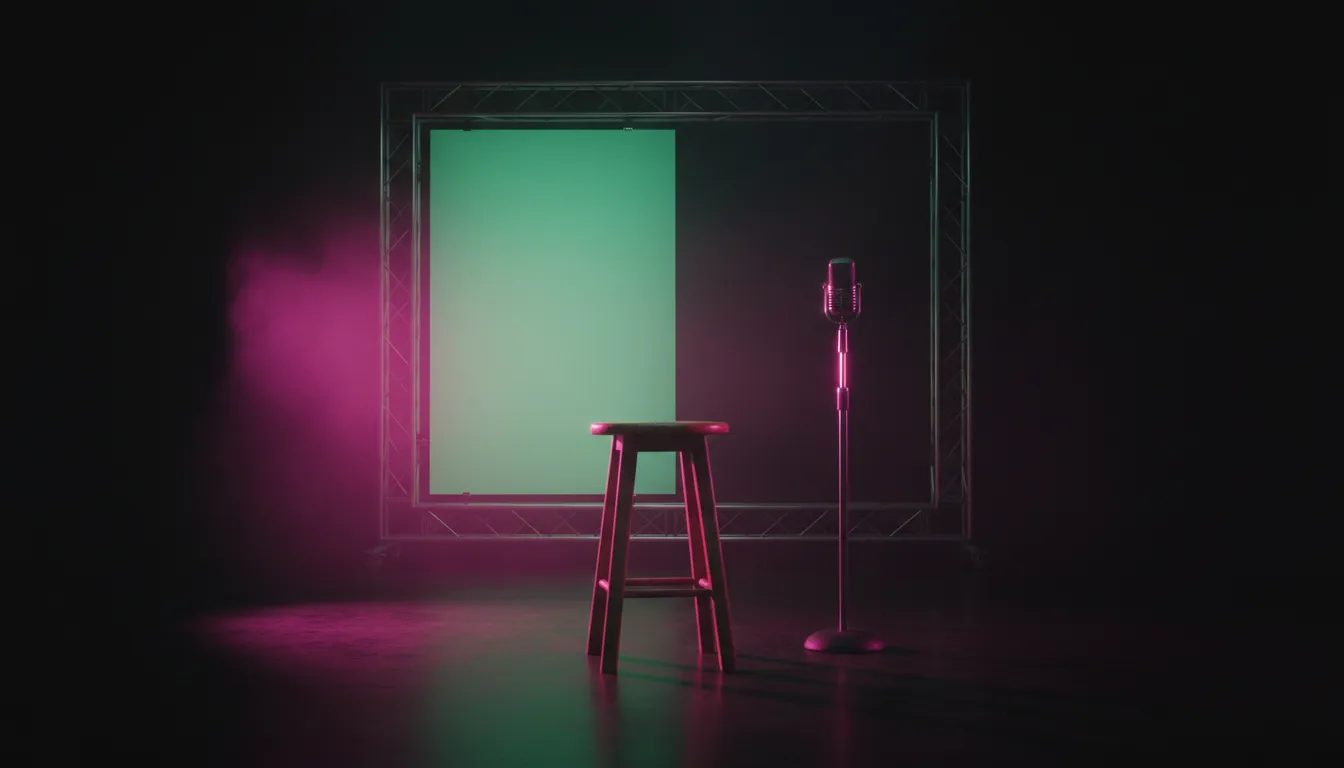
Putting a screenshot behind your head does not make a video more interesting. In our library, the green screen formats hold some of the widest spreads we see anywhere: the same setup, from the same account, landing at wildly different reach depending on one thing. What was on the screen.
Here is the direct answer. Green screen vs talking head is not a choice between two styles. A green screen earns its place when the backdrop is evidence the viewer needs to see, and a talking head wins when you are the evidence. If the thing behind you would not change the viewer’s mind on its own, you are filming a talking head in costume, and the costume costs you clarity.
Two formats, two different promises
Both formats put a person on screen talking to the viewer. The difference is where the proof lives.
In a talking head, the proof is you. Your experience, your delivery, your take. The viewer stays because they believe the person speaking knows something, and because the way you say it carries energy. Everything rides on the voice, the face, and the specificity of the claim.
In a green screen, the proof is behind you. A headline, a comment thread, a price chart, a product listing, a screenshot of a message. The viewer stays because they can see the thing you are talking about, and your job shifts from convincing them to guiding their eyes. You become a narrator standing next to an exhibit.
That split explains almost every success and failure in both formats. When the exhibit is strong, the green screen does work a talking head cannot. When the exhibit is weak or decorative, the green screen splits attention between two things that are both saying less than they should.
What our library shows about green screen
We classify every video in our library into named formats, and green screen is not one format. It splits into several: reaction over a screenshot, scanning an article while narrating, tutorials in front of an app screen, commentary over a news image. Across all of them, the same pattern repeats.
- The asset sets the ceiling. In the green screen classes we looked at, one creator using an identical setup and identical delivery could land at many times the reach from one post to the next. The variable that changed was what was keyed behind them.
- Being on screen is not the lift. Simply having your face in the corner while something plays behind you does not, by itself, show up as an advantage among the stronger videos. It is the baseline of the format, not the reason it works.
- Clarity of the promise travels with the winners. In the green screen videos that outperformed their creator’s usual reach, the promise of the video was clearer and the delivery carried more emotional charge. A flat, neutral read over a screenshot showed up far more often among the weaker posts.
We read those as directions, not laws. Several green screen classes are small and concentrated in a handful of accounts, so we treat them as strong hints rather than proof. But the direction is consistent across every variant: the backdrop is the hook, and the person is the guide.
What our library shows about talking heads
Talking-head formats are larger and more varied in our library, from advice monologues to educational explainers to single-take opinion clips. The gap between the best and worst versions of the same format is enormous, often larger than the gap between formats.
What travels with the stronger talking heads is consistent:
- Delivery with charge. The better-performing advice videos carry noticeably more emotional intensity. Not shouting. Conviction, surprise, frustration, delight, something the viewer can feel in the first line.
- A promise you can state in one sentence. Clearer promises show up more among the winners. “Why your savings account is losing you money” beats “some thoughts on saving”.
- Moderate pace, not slow. Slow-paced delivery is concentrated among the weaker talking heads. The winners are not frantic, but they do not linger.
- Mystery framing over utility framing. In educational monologues, framing the topic as something to be revealed tends to outperform framing it as a tip.
The honest caveat is the same one we give for every format: some of these patterns overlap with account size, so they are the traits worth testing first, not guarantees. What is clear is that a talking head lives or dies on the first sentence and the energy behind it, because there is nothing else in frame to carry the viewer.
When a green screen earns its place
Use a green screen when the viewer would not believe you, or would not understand you, without seeing the thing. Good tests:
- Would you screenshot this to prove a point to a friend? Receipts, messages, a price tag, a comment, a before and after. If yes, key it.
- Is the claim about something external? A news story, a policy change, a product page, a trend another account started. The backdrop turns “trust me” into “look”.
- Does the viewer need to read something specific? A statistic, a quote, a line from terms and conditions. Put it behind you and point at it.
- Is the reaction the content? Commentary formats work because the viewer sees the prompt and your reaction at the same time. Without the prompt on screen, the reaction has no context.
The craft rules follow from the asset being the star:
- Pick the asset before you write the script. The same delivery over a weak screenshot and a strong one can land at opposite ends of the range. Spend your prep time finding the most striking version of the evidence.
- Make it readable at phone size. Crop tight to the line that matters. A full article page behind your head is wallpaper. The one sentence you are reacting to, large, is evidence.
- Keep yourself out of the way. Position your cutout so it does not cover the part of the asset the viewer needs, and keep both clear of the interface. Our guide to safe zone composition covers where captions and buttons sit on each platform.
- Change the asset when the point changes. One backdrop for a sixty-second video usually means the visual stops working after the first beat. A new screenshot per point gives the eye a reason to stay.
When a talking head is the better call
Use a plain talking head when the value is your perspective, and when a backdrop would only illustrate what you are already saying.
- Stories and lessons from your own experience. Nothing behind you proves “here is what I learned after my business failed”. Your face does.
- Opinions and hot takes. The viewer is evaluating you and your conviction. A screenshot pulls their eyes away from the thing they are judging.
- Advice that does not reference anything external. If you would just be keying a stock image of a laptop, skip it.
- Emotionally loaded topics. Eye contact and facial expression carry register faster than any overlay. We broke down what a face does in the first seconds in what carries a faceless video, and those same jobs are why a talking head works when it works.
The talking head has its own failure mode, and it is not “boring format”. It is slow delivery and a vague first line. If you cannot state what the viewer gets in one sentence, no framing will save it. The fix is in the script and the pace, and our breakdown of editing pace covers how to tighten a single-speaker video without making it feel chopped.
The talking head in costume
The most common mistake we see is not choosing the wrong format. It is choosing a green screen and using it as decoration.
It looks like this: a creator delivers a perfectly normal talking-head script, and behind them is a generic image loosely related to the topic. A city skyline for a video about moving. A stock chart for a video about money habits. A logo for a video about an app, with nothing from the app itself.
That backdrop does three things, all bad:
- It splits attention. The viewer’s eye goes to the image to look for information, finds none, and comes back to you having missed part of the sentence.
- It lowers production clarity. A keyed cutout over a busy image reads rougher than a clean shot in a real room, and nothing is gained in exchange.
- It signals a template. Viewers have seen a lot of green screen commentary. A decorative backdrop reads as format imitation rather than as a reason to watch.
The quick test before you key anything: mute your voice and look at the backdrop alone. If a viewer would learn something or feel something from it without you, keep it. If it is just scenery, film the talking head straight.
A hybrid that often works best
Many strong videos do not pick one format for the whole runtime. They open as a talking head to land the promise with energy, then cut to a green screen the moment the evidence appears, then return to the face for the conclusion.
| Seconds | Shot | Why |
|---|---|---|
| 0 to 3 | Talking head, one-line claim | The promise lands with delivery, not reading |
| 3 to 15 | Green screen over the evidence | The viewer sees the proof while you point at it |
| 15 to 25 | Green screen, next piece of evidence | A new asset per point keeps the eye moving |
| 25 to 30 | Talking head, the takeaway | Your conclusion carries more weight face to face |
This structure lets each format do the job it is good at. It also fixes the classic green screen weakness, a flat open where the viewer has to read before they know why, and the classic talking-head weakness, an unsupported claim. If you are borrowing a structure like this from a video that already worked, our guide to copying a viral format without copying the video covers what to keep and what to change.
How to decide for your next video
Run the script through four questions:
- Where does the proof live? Outside you, lean green screen. Inside you, lean talking head.
- Does the backdrop pass the mute test? If not, drop it.
- Can you state the promise in one sentence? If not, neither format will rescue the video. Rewrite first.
- What do the videos that work in your niche do? Formats behave differently by topic. News and commentary niches reward evidence on screen. Coaching and personal-story niches reward the face.
That last question is the one most creators guess at. The answer is sitting in the videos that already worked for your topic, and it is rarely the same answer across niches.
Where Blossom fits
Blossom analyzes any public Instagram or TikTok video and names the format it is running, so you can see whether the videos that work in your niche are green screen commentary, straight-to-camera advice, or a hybrid. It scores the hook from 1 to 10 with the reasoning behind the score, maps the pacing and where attention builds or drops with timestamps, and lists the techniques each video uses.
Our library of 220,000+ analyzed videos is organized into 4,900+ named formats, so you can open the formats in your own topic and study how the strongest versions open, what they put on screen, and how fast they move before you film. Scores describe the content, not a forecast of views. The FAQ covers what each plan includes, and you can run your own videos through it.
The short version
- Green screen vs talking head is about where the proof lives. Evidence outside you belongs behind you. Evidence inside you belongs in front of the camera.
- In green screen formats, the asset sets the ceiling. The same setup can land at very different reach depending on what is on screen.
- Talking heads live on the first sentence and the delivery. Clear promise, real conviction, moderate pace.
- Mute test every backdrop. If it says nothing without your voice, it is decoration.
- Hybrids often win. Open on your face, cut to the evidence, close on your face.
Read next
Best Meedro Alternatives in 2026 (Free & Paid)
Honest Meedro alternatives for 2026, checked against each vendor's own pages today. Which ones map where a video loses people, and which one is genuinely free.

Blossom vs Runwave AI: Can Your AI Tools Call It Directly?
Runwave AI vs Blossom on one axis: a finished in-app workflow versus analysis your AI assistant and your own code can query. Dated facts, and where Runwave wins.

How to Increase Engagement Rate on Instagram Without Bait
Engagement bait raises the cheapest signal and lowers reach. Here is how to increase engagement rate on Instagram by changing the video instead of asking for comments.